1. Search the place
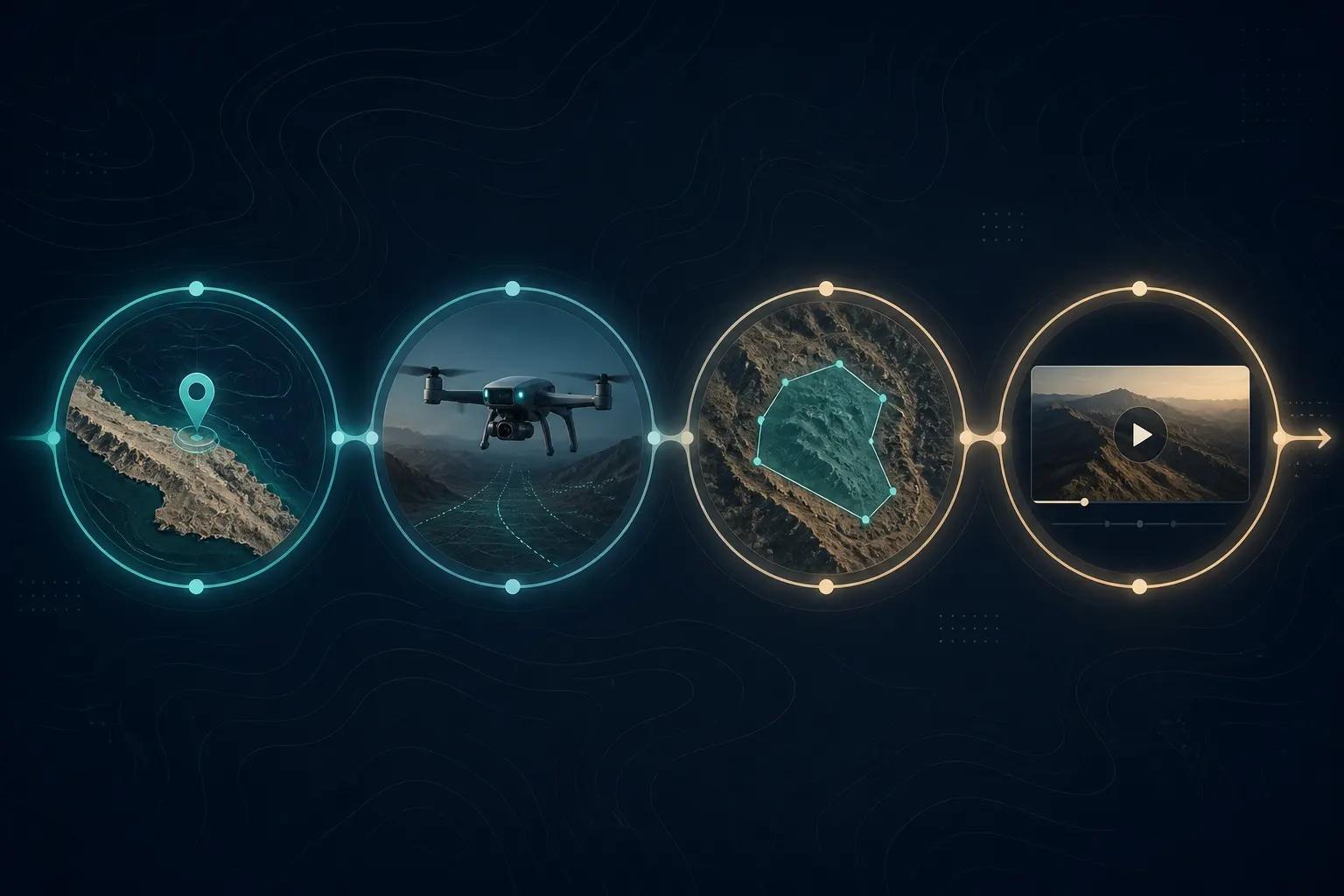
Enter a country, state, or province. 3dmaps loads the boundary, optional flag fill, and prepares a camera path from the world view to your target.
Coming soonYou can register and sign in. Some features are still finishing up.
Four steps from a place name to a finished Mapbox flyover — search, animate, annotate, export.
Enter a country, state, or province. 3dmaps loads the boundary, optional flag fill, and prepares a camera path from the world view to your target.
Press Play to preview the Remotion timeline. On arrival the camera holds so viewers can read the highlight — or use Hold Map to refine the framing.
Add badges for cities or HQs, freehand draw arcs, place text, and attach a stock cutout or 3D model to a route so the map explains the narrative in one pass.
Choose a social format and export. The 3DMaps.app supercomputer renders the MP4 while you watch progress, then download and publish.